How do I see which questions a student missed?
Step by step · Updated
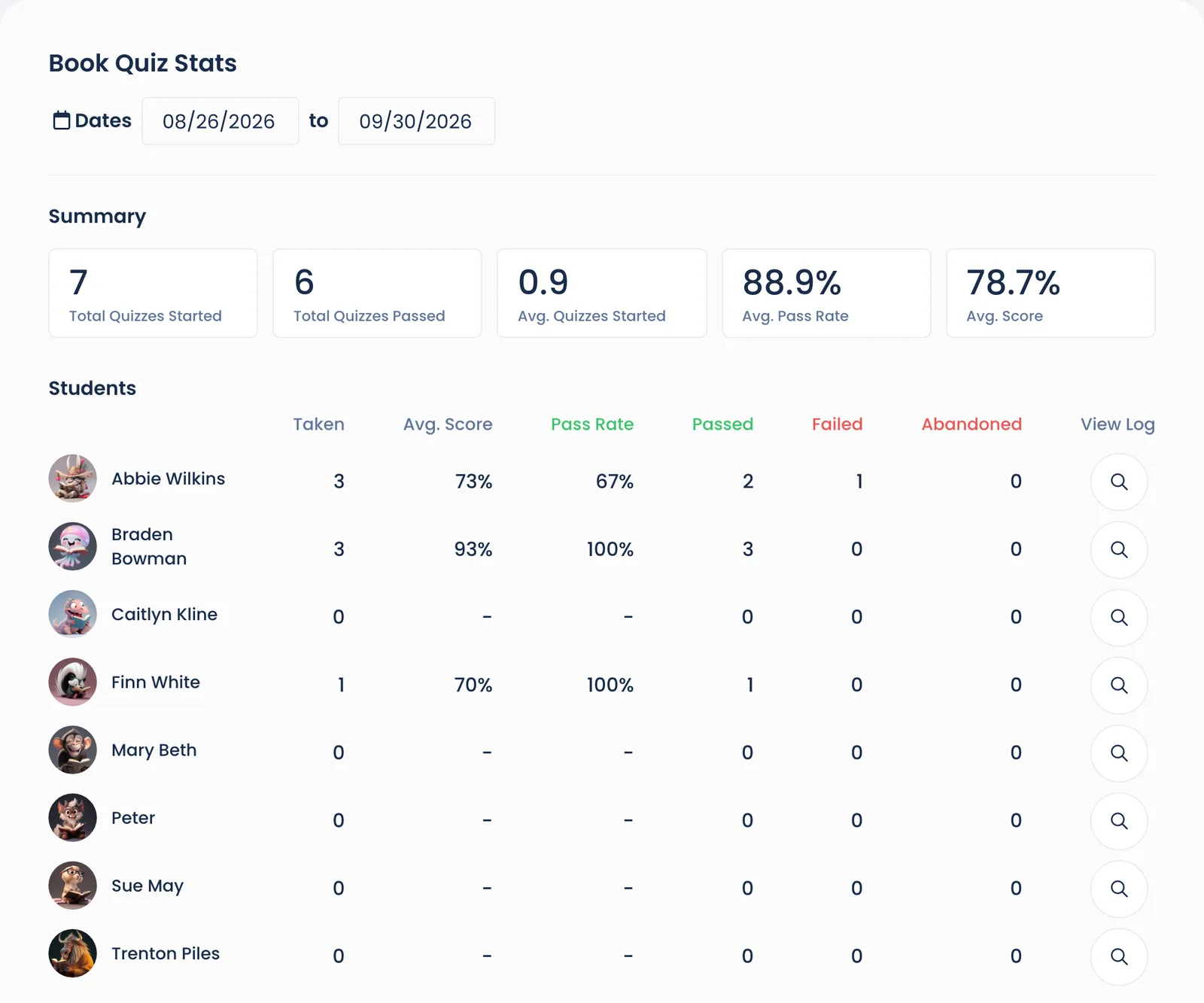
Open your class, then the Quizzes tab.
In the Students table, click the magnifying glass on the student's row (the View Log column).
Click the … on the quiz you want, then View quiz.
You'll see each question, the student's answer, and the correct answer.
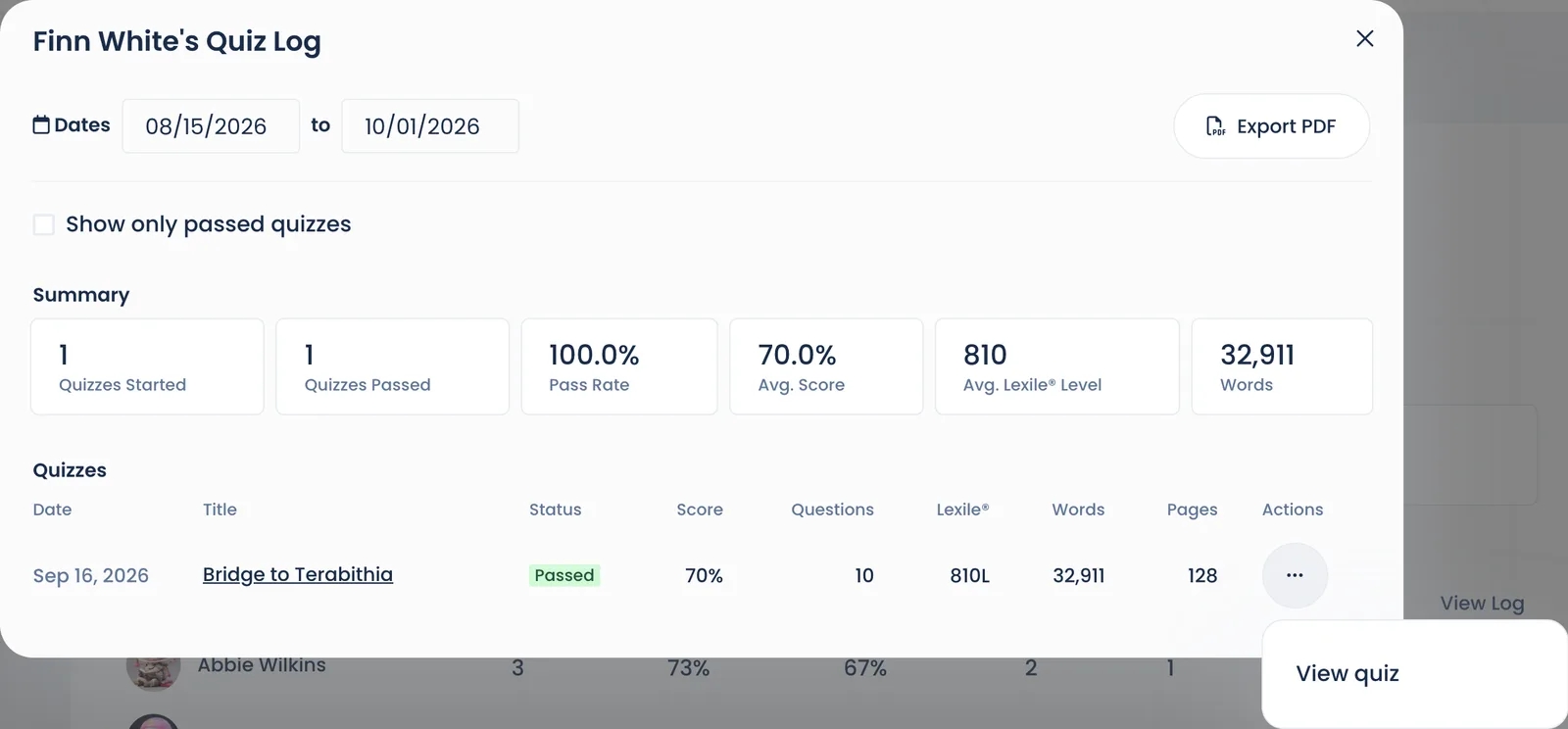
The same menu has Change retake date, Admin certify and Delete quiz for quizzes that weren't passed.
Still stuck?
Email us or book a call. A person on the Bookroo team will help.