Why did my class disappear from my dashboard?
Fix a problem · Updated
Issue: A class you used before no longer shows on your dashboard or in the class switcher.
Applies to: Any class whose End Date has passed, or that was archived.
Fix
- Go to your Dashboard. Under Your places, click Show N hidden. Ended classes are listed there, tagged Archived.
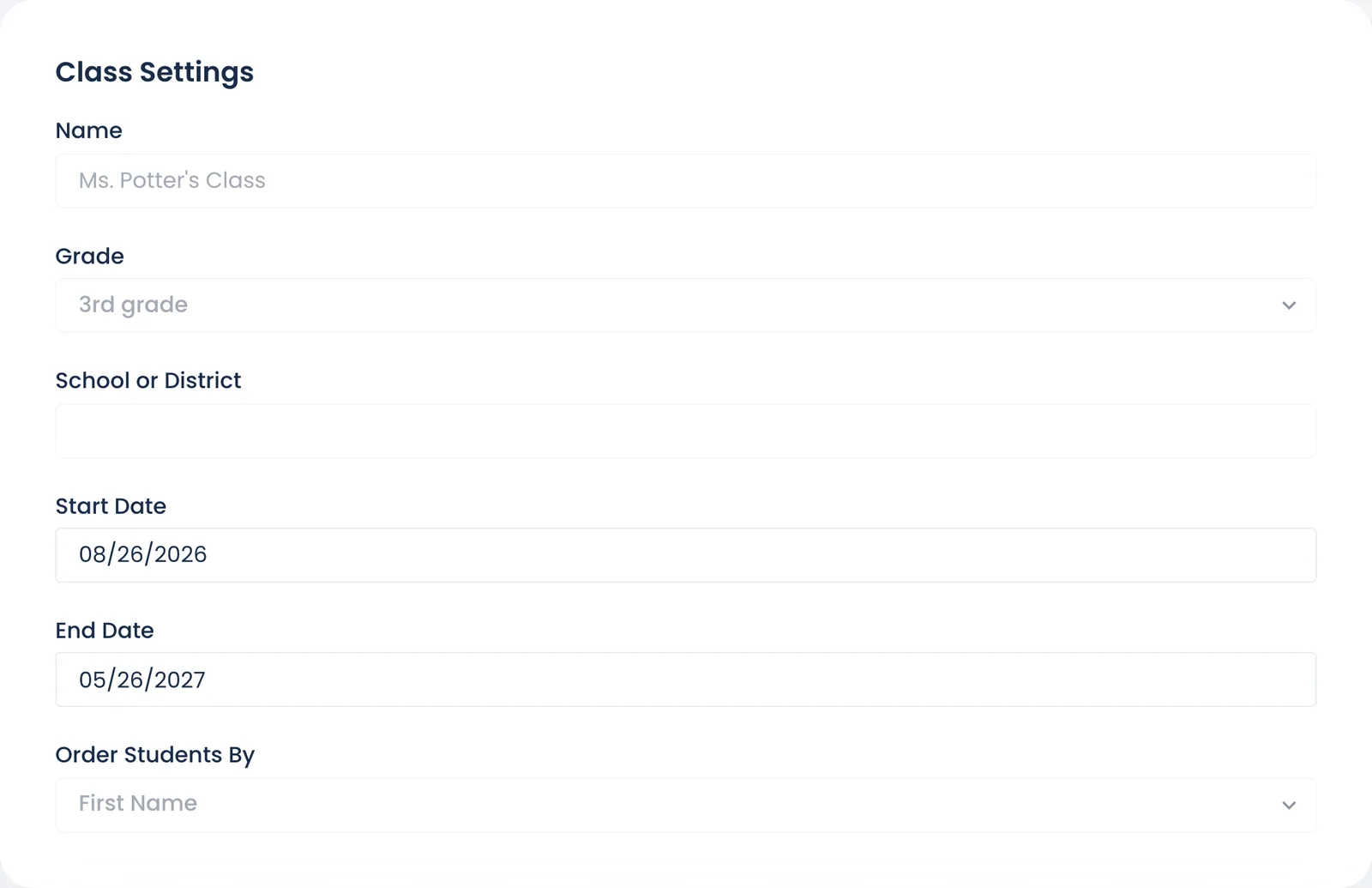
- Open the class, then go to Settings → Class Settings.
- Set End Date to a future date, usually the last day of this school year. Or use Restore in the Danger Zone.
- Save. The class is back on your dashboard, and students can see it again.
Why it happens
Every class has an end date. The day after it passes, Bookroo treats the class as archived: it's hidden from dashboards and from students' class lists. Nothing is deleted. Classes carried over from last year are the usual cause each August.
Not listed under hidden either? The class may have been deleted. Email schools@bookroo.com within 30 days.
Still stuck?
Email us or book a call. A person on the Bookroo team will help.