Class settings, explained
Reference · Updated
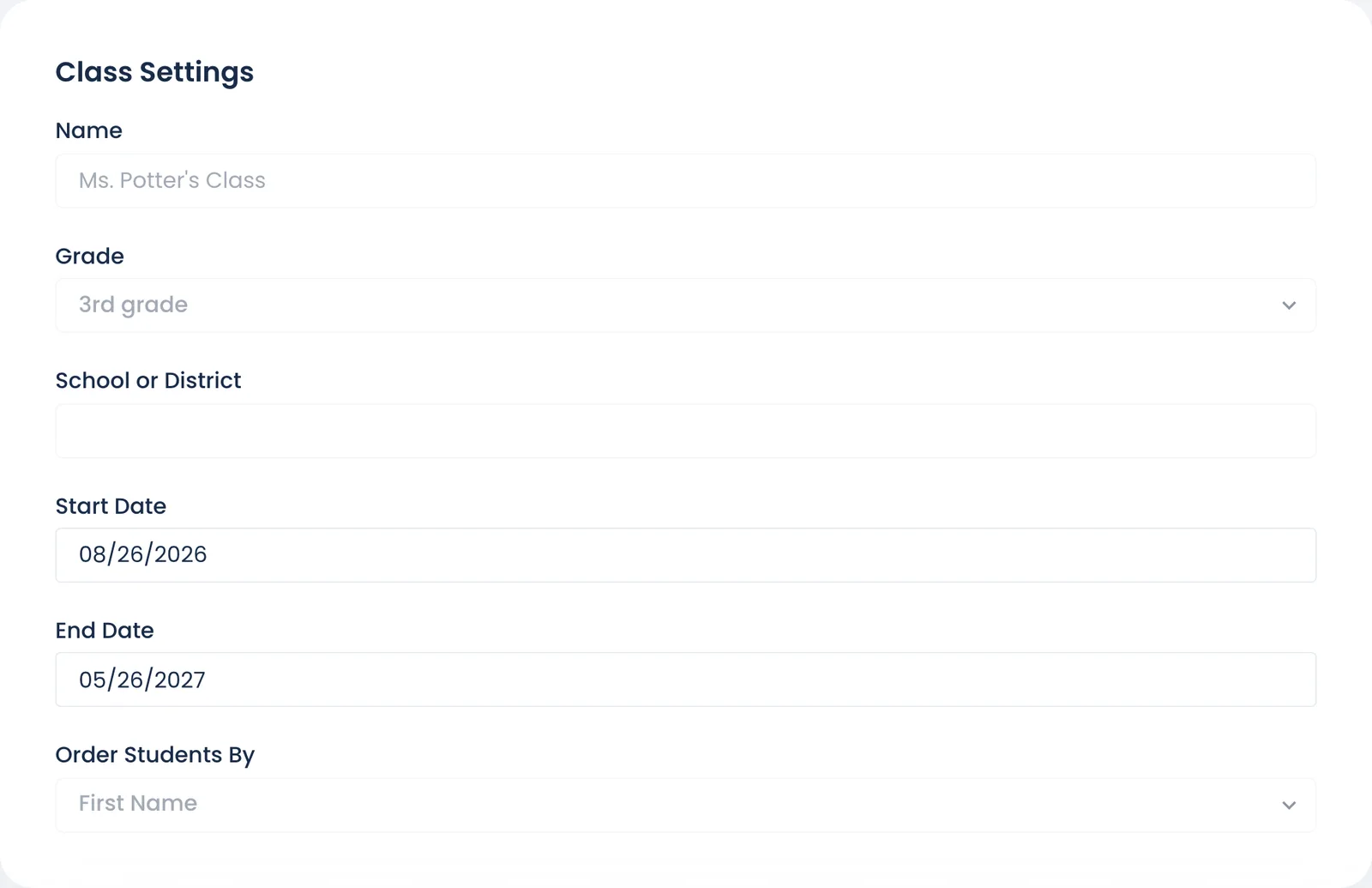
These are found under Settings in your class sidebar. The page reads as "How your class works": each setting is part of a sentence, and the underlined words are its control. Click them to change it. The change saves at once, and the Saved note has Undo.
| Section | Setting | What it does | Default |
|---|---|---|---|
| About this class | " |
How the class appears to you and your students. A class that isn't linked to a school has add your school's code. To move a class to another school, email schools@bookroo.com. | |
| "running from |
Class stats count from the start date. The class is archived the day after an end date you've saved. See My class disappeared. | Start: the day you created it. End: none saved; the date picker suggests start date + 9 months, but the class doesn't end until you pick a date. | |
| "Students are ordered by first name / last name" | Sort order on class pages | First name | |
| The plan line, and the plan box under it | Trial status, plan and "Up to N students", with Manage subscription / Download receipt. For the whole trial, after a plan ends, and when a 12-month plan has under 45 days left, a box under it offers 12 months or Monthly and Continue to checkout. See Trial and subscribing and Get a receipt. | ||
| Quizzes | "Students don't need a password" / "type the password "…"" | Students need a teacher-entered password to start a quiz | |
| Ask for it on | With a password set: Every quiz, or Only books above a student's ZPD, or with no known level | Every quiz | |
| When and where quizzes start: Where | Anywhere; Anywhere (no password at school) (no password on your school network, except on books above a student's ZPD or with no known level; with the password already only above the ZPD it works as Anywhere); or Only at school. School is a network you saved with Add this network, clicked from your classroom. See When and where students take quizzes. | Anywhere | |
| "at any time", or days and hours | Only on certain days and hours: the weekdays and one daily window, in your time zone. | Any time | |
| "They pass with …" | Set for each quiz length, 60–80% | 60% (5/10 q), 70% (15/20 q) | |
| "can retry a failed or abandoned quiz after 14 days" | Days before a failed quiz can be retried (3–90) | 14 | |
| "must finish a quiz in one go / can leave a quiz and finish it within 8 days" | Lets students come back to an unfinished quiz for up to 8 days. In one go, it is abandoned after 60 minutes. | In one go | |
| Reading and points | "Every student's reading counts as soon as they record it" | When reading counts for points, for the whole class: as soon as they record it / once they pass a quiz or you certify it / only when you record it. Students always record their own reading, except under the last. When students differ, the sentence names them ("For 21 students, reading counts as soon as they record it; for Braden, once they pass a quiz or you certify it"), and Set one rule for everyone sets every student at once. See Require a quiz before points. | As soon as they record it |
| "A finished book counts again after 1 day" | Days before the same book counts again (0–365) | 1 | |
| "the Word Vault counts words from every year / earned since |
Nothing is erased: students keep their all-time total. | From every year | |
| Rules for one student → Reading counts | Right away / After a quiz or your OK / When you record it, for one student. See Require a quiz before points. | No restrictions | |
| Rules for one student → Quiz password | None, the class password, or a password just for that student | The class password, if you set one | |
| What students see | "Their home page is the standard one / the simplified one for younger readers" (Beta) | A simpler home for students still learning to read: they tap a book cover for a quiz that reads itself aloud, and see their goals and the books and words they've read. preview as |
The standard one |
| "They can read / can't see the eBook Library" | When off, students don't see the eBook Library and can't open its books. A school admin can turn it off for every class on the school dashboard's Settings, and then it stays off here. | Can read | |
| "When they update their progress on a book, they don't see a notes box / they can write a note" | Students see an optional notes box when they Update progress on a book. Read them under While reading on the Class Book Reflections page. See Reading notes. | They don't see a notes box | |
| "answering "…"" | The question above the notes box (up to 200 characters) | "What stood out to you in what you just read?" | |
| Classmates and privacy | "When a student recommends a book they finished to a classmate, you approve it before they see it / they see it right away", or "Students can't recommend books to each other" | Whether students can recommend a book they finished to a classmate, and whether you approve each one first. See Classmate recommendations. | You approve it before they see it |
| "A book shows how many classmates read it, and who when they hover / but not who" | What students see on a book their classmates finished: a "3 classmates read this" badge, with or without the names when they hover it. See Which books your class reads most. | And who when they hover | |
| "Your Class Bulletin is private / open to anyone with its link" | Lets anyone with the link view your class bulletin and its student pages. copy link copies it. | Private | |
| End of the year | archive it / Restore it, Delete class… | See Archive or delete a class |
Still stuck?
Email us or book a call. A person on the Bookroo team will help.