What can a family see once they've linked their child's class account?
Reference · Updated
The family sees their own child's reading dashboard: points, reading, challenges and quizzes. Your class dashboard and every other student's details stay with you.
When they claim
The parent opens the claim link, or enters the 8-character code at bookroo.com/claim-reader, and signs in to a free account.
- No other children on the account: they click Add name to my account.
- Other children already on the account: they choose Add as a new reader (most families), or Same child as name (combine) if the child already has a home reader. Combining moves the class reading onto that reader, and that reader's name is kept, so your roster shows the name the family chose.
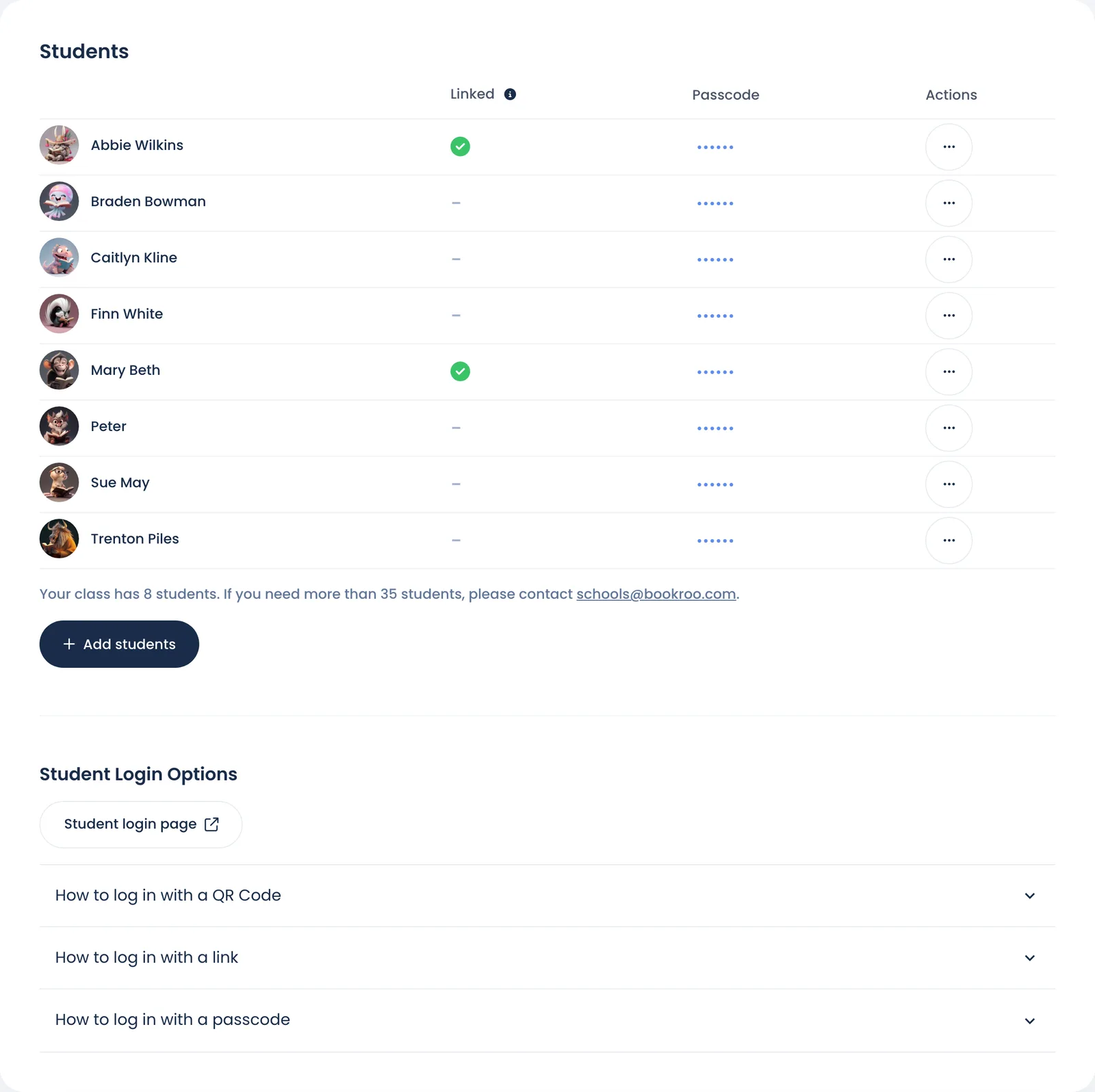
For how to send the link, see Connect a student to their family.
What the family can see and do
The child appears under Your readers on the parent's dashboard. Clicking them opens the child's dashboard.
| Area | What the family gets |
|---|---|
| Points | The child's points, and the Rewards Shop. A parent can spend the points on your class rewards. |
| Reading | The reading calendar and stats. Reading the family records at home counts for your class too. |
| Reading Report | The child's reading report. |
| Challenges | The child's active reading challenges. |
| Quizzes | Quizzes the child requested, with Take quiz once ready, and Quizzes Needing Your Help for delayed ones. |
| Assessments | Assessments you've given the class, with Take assessment. |
| My Class | A link to your Class Bulletin. The family can open it even if you haven't shared it. Classmates' names are shortened there. |
What stays with you
| Your class dashboard | Overview, Roster, Quizzes, Settings and the rest are for you and your co-teachers only. |
| Other students | A family sees only their own child. |
| The roster | Moving or removing the student, passwords and passcodes stay with you. Removing the student from your class doesn't delete the family's account. |
| Sign-in | The student keeps signing in at school exactly as before. |
Good to know
- The family can rename the child or change their avatar from their account. Your roster shows the change.
- The family can't delete the child while they're in your class. If you remove the student from your roster, the family can then delete them from their account.
- Each code works once. After it's used, a new family can't claim the same student.
- A family account holds up to 10 readers.
- A student account can't claim. The parent must sign in with their own account. Students 13 and older can use the link to connect a personal account.
- Parents who want their child's records go through the school. See Student data privacy.
Still stuck?
Email us or book a call. A person on the Bookroo team will help.