A tour of your class
Reference · Updated
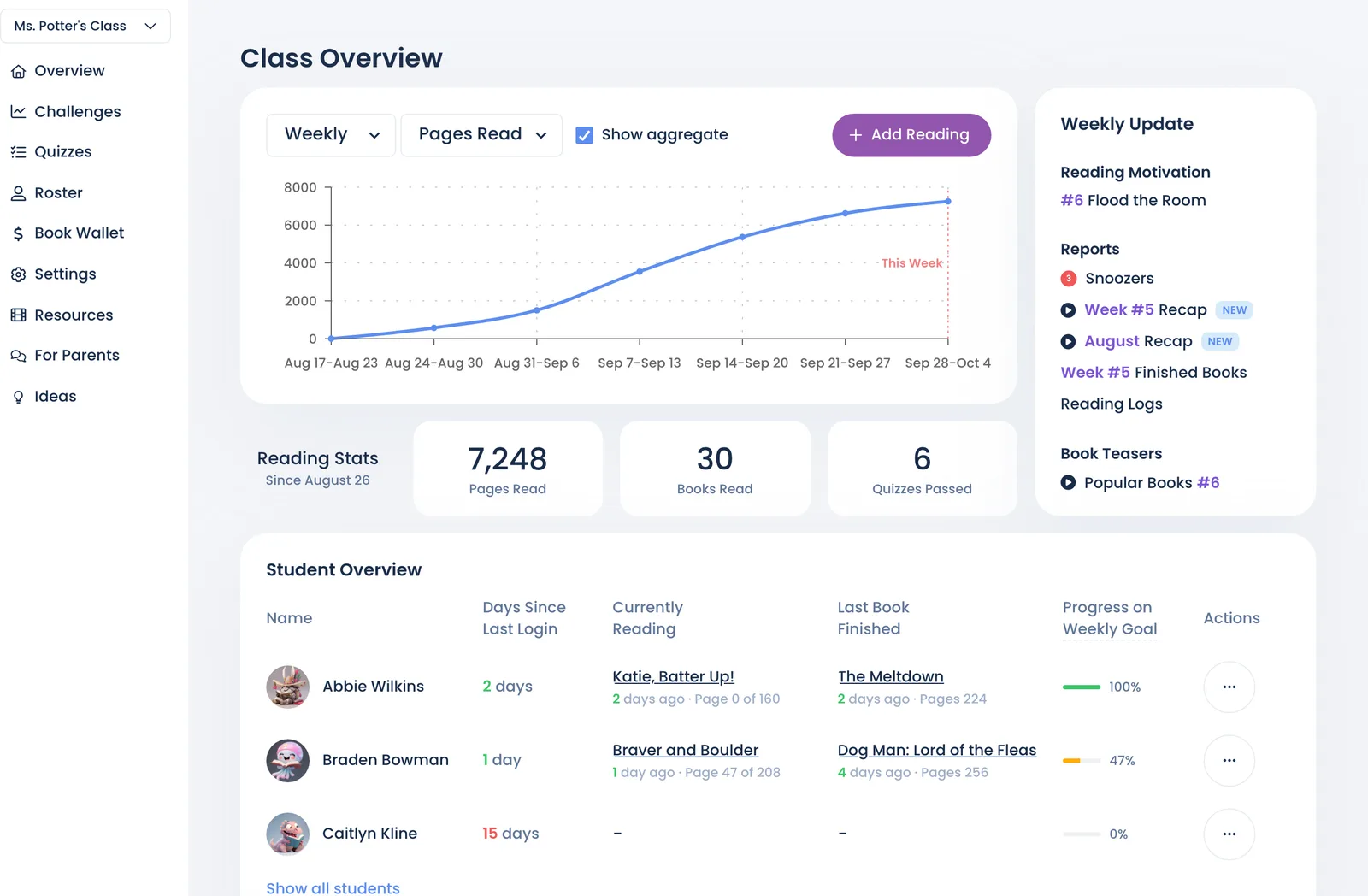
Each class has a sidebar. This is what's behind each item.
| Sidebar | What it's for |
|---|---|
| Overview | This week at a glance: who's reading, recent books, Add Reading, your class code, and links to the reading log, stats, levels and rewards |
| Challenges | Reading goals for the class. Choose Add challenge or Browse templates. |
| Quizzes | Quiz results per student, Book Quiz Requests, and custom assessments |
| Roster | Students, sign-in options (QR, passcodes, links), and Administrators (co-teachers) |
| Book Wallet | Your free Book Wallet and Book Cash for buying books for your class |
| Settings | Class details, subscription, quiz rules, reading restrictions, archive and delete |
| Resources | Getting-started videos and PDFs, Schedule Call, Send Email |
| For Parents | A flyer home (English and Spanish) and conference reports |
| Ideas | Suggest and vote on features |
Reached from Overview:
- Reading Log: every entry, printable
- Activity Feed
- Reading Levels & ZPD
- Reading Stats
- Rewards, through View all students on the Rewards Shop Stats card: each student's points and Custom Rewards to Fulfill
The Class Bulletin, a class page you can share with families, is under Settings → Privacy. See Share your class bulletin.
Still stuck?
Email us or book a call. A person on the Bookroo team will help.