What can students spend their points on?
Explainer · Updated
Students spend points in two places: the Bookroo Rewards Shop, and the custom rewards you create for your class.
- The Bookroo Rewards Shop (purple points): avatars, Library Card designs, straps and stickers, sticker packs, bookmarks, postcards, coloring pages, trading cards, 3D models and the Biblioria world. It's always stocked, and you have nothing to manage. A coloring page a student unlocks has Color it, to color it on screen, and Download, to print it blank, on the student's own dashboard; see What do students see when they sign in?.
- Your class's custom rewards (blue points): prizes you choose, like lunch with the teacher, a homework pass or a prize-box pick.
Add a custom reward
- Click Rewards in your class sidebar (or the Rewards card on your class Home).
- Under Custom Rewards, click Add reward. Give it a name, description and point price.
- To change one later, use Edit reward.
The weekly limit rose from 1,000 to 2,000 points, so the Rewards page may offer Double my reward prices once, to keep your rewards as hard to earn. Keep my prices leaves them as they are.
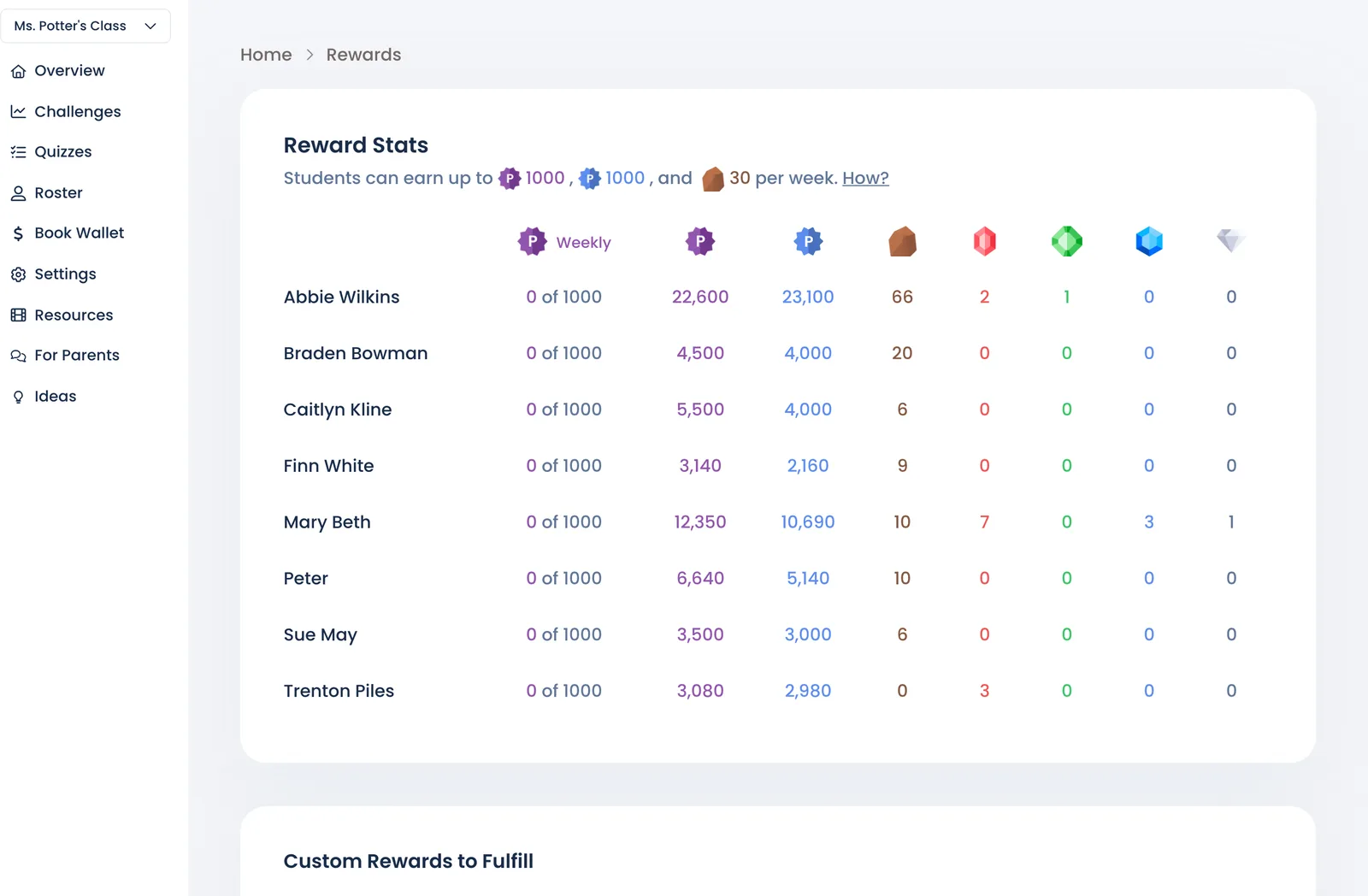
Stuck for ideas? Keep scrolling on the Rewards page for suggestions.
Hand out what students redeemed
Redeemed rewards appear under Custom Rewards to Fulfill. Click Fulfill once the student has it. See Hand out redeemed rewards.
Ask Marian: "Anything I owe the kids?"
Still stuck?
Email us or book a call. A person on the Bookroo team will help.