How do student teams (houses) work?
Step by step · Updated
Teams, sometimes called houses, group students across a whole school so they can compete in a House Rivalry reading challenge. Teams belong to the school, not to one class.
1. Ask us to create your teams
Teams are set up by Bookroo. Email schools@bookroo.com with your school's name and each team's name and color. You can also send a logo for each team.
Once they're added, they're listed under Student Teams on your school dashboard.
2. Put students on a team
In each class:
- Open Roster. A Team column appears once your school has teams.
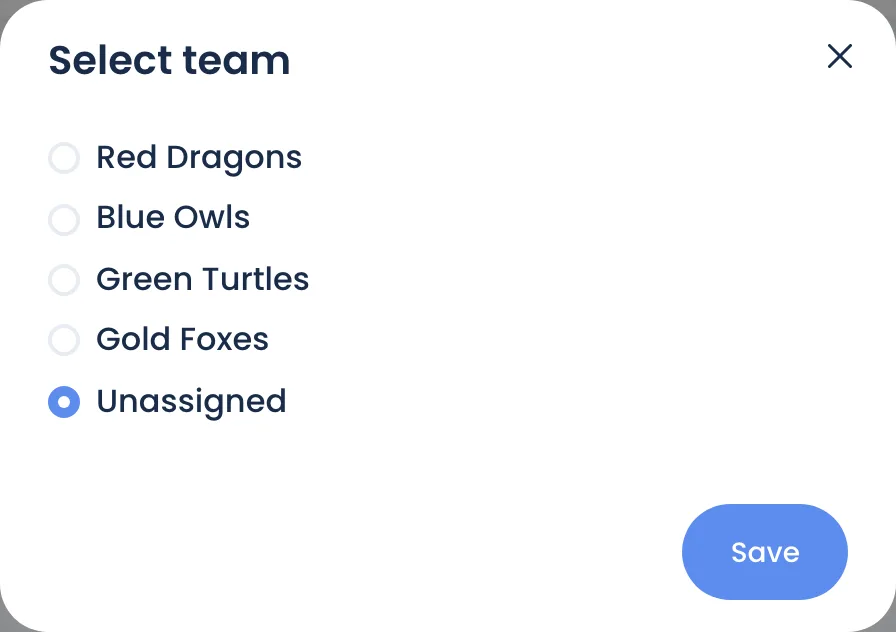
- Click … next to a student → Edit team.
- Pick a team (or Unassigned) and click Save.
3. Run a House Rivalry
- On the school dashboard, under Reading Challenges, click Add challenge.
- For Challenge Mode, choose House Rivalry. It only appears once your school has teams.
- Set what to track, a goal and dates, as in Create a reading challenge.
Each participating student's progress counts toward their team. The challenge shows a Leaderboard and a chart of each team's progress. Students see "You are part of" their team, with how much they've contributed.
Students without a team still read and earn points, but their reading doesn't count for any team.
Still stuck?
Email us or book a call. A person on the Bookroo team will help.