A student can't find their book when recording reading. What now?
Fix a problem · Updated
Issue: Searching for a book in Add reading (students) or Add Reading → Record reading (teachers) doesn't find it.
Fix, fastest first
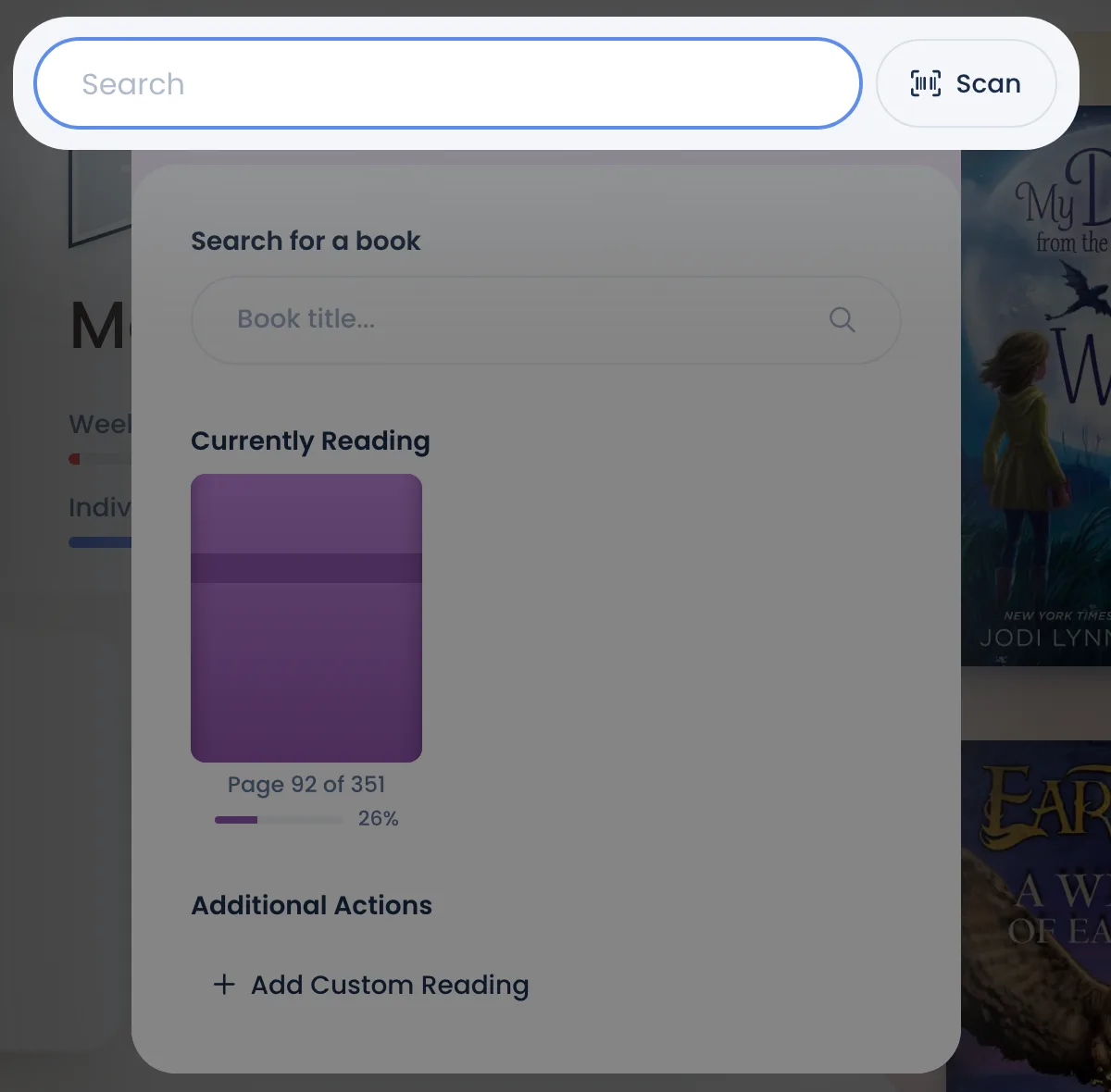
- Search by ISBN. Type the 13-digit number from the back cover, or tap Scan and hold the barcode up to the camera. This search also looks beyond Bookroo's catalog, and an ISBN is the surest way to find a new or less common book there. Picking it adds the book to Bookroo.
- Type the full title. Short or partial titles can miss, especially for books written for older readers. Leave out the subtitle and series name.
- Try the author's name and pick the book from their list.
- Still nothing? Add it as custom reading. In the student's Add reading window, under Additional Actions, choose Add Custom Reading. Enter the Title, the date and status, and the ISBN and Total pages if known. If we add the book later, the reading is matched to it automatically.
Found it, but it won't record
- "This book comes out on…": the book isn't published yet, so it can't be marked read.
- "A box set: mark the books inside it": click Mark books read and pick the books they read.
- "Ask a teacher to help record your reading": the student is Admin controlled, so you record it for them (Record or fix reading).
Good to know
- Custom reading earns points, but it has no quiz. If the student is set to Quiz or admin certified, certify it from the Reading Log (… → Admin certify).
- A book that isn't in Bookroo can't have a quiz yet. Once it's added (step 1), you can request a quiz.
Still stuck?
Email us or book a call. A person on the Bookroo team will help.